- Processing Talk
- Compare
- G6 MOPA 30W vs MOPA Split 20W
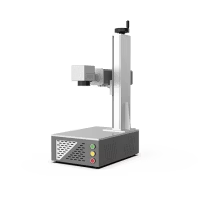
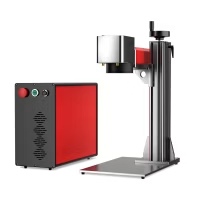
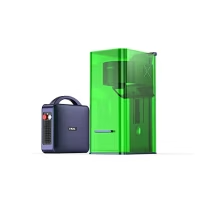
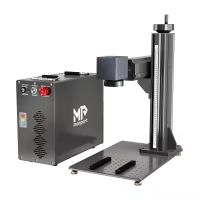
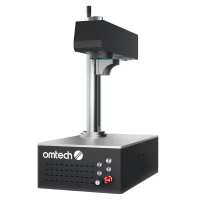
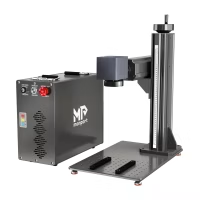
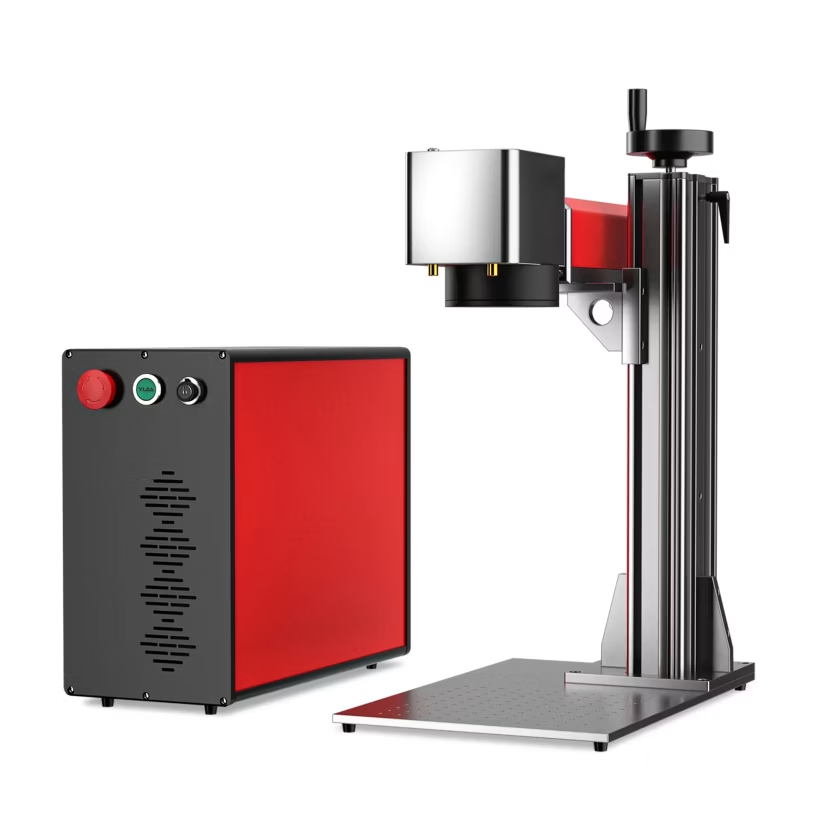
Gweike G6 MOPA 30W vs OMTech MOPA Split 20W
What G6 MOPA 30W does better (2) and where MOPA Split 20W wins (3) — every spec side by side.
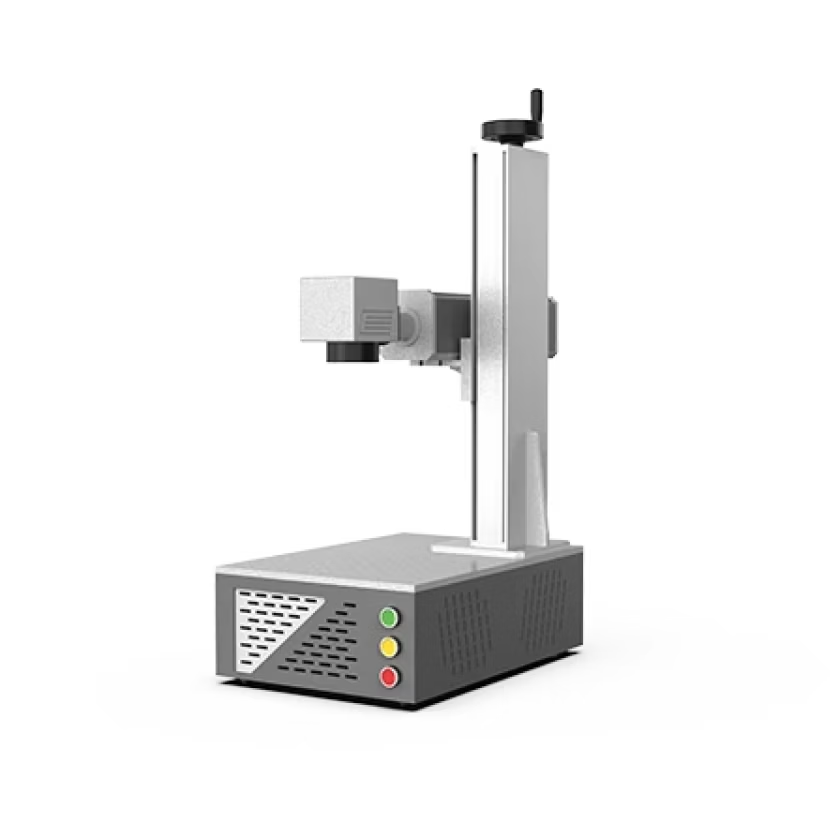
vs
4.2Power & cutting2.6
4.9Speed7.6
3.0Work area6.9
4.7Safety7.2
6.1Features & ease of use3.1
Why is G6 MOPA 30W better than MOPA Split 20W?
- Laser output power30 W vs 20 W+50%
- Autofocus / auto heightYes · MOPA Split 20W: No
Why is MOPA Split 20W better than G6 MOPA 30W?
- Work area (surface)121 cm² vs 306 cm²2.5×
- Work area width (X)110 mm vs 175 mm+59%
- Work area depth (Y)110 mm vs 175 mm+59%
Specifications
Side by side
| General | ||
| Laser sources | Fibre (1064 nm) | Fibre (1064 nm) |
| Motion system | Galvo (scanning mirrors) | Galvo (scanning mirrors) |
| Two laser sources | No | No |
| MOPA fibre source (adjustable pulse) | Yes | Yes |
| Wavelength | 1,064 nm | 1,064 nm |
| Laser power | ||
| Laser output power | 30 W | 20 W |
| Work area | ||
| Work area | 110 × 110 mm | 175 × 175 mm |
| Work area width (X) | 110 mm | 175 mm |
| Work area depth (Y) | 110 mm | 175 mm |
| Work area (surface) | 121 cm² | 306 cm² |
| Speed & cutting | ||
| Max engraving / travel speed | 10,000 mm/s | 10,008 mm/s |
| Precision | ||
| Positioning accuracy | 0.001 mm | — |
| Safety | ||
| Enclosed (fully covered) | No | No |
| Built-in fume filter / purifier | — | Yes |
| Features | ||
| Built-in camera | No | No |
| Autofocus / auto height | Yes | No |
| Rotary attachment support | Yes | Yes |
| Touchscreen / control panel | — | Yes |
| Connectivity & software | ||
| Connections | — | USB |
| USB | — | Yes |
| Compatible software | LightBurn, EZCAD2 | EZCAD2 |
| LightBurn compatible | Yes | — |
| File formats | — | AI, BMP, DXF, GIF, JPG, PLT, PNG, TIF |
| Size & power | ||
| Width | — | 570 mm |
| Depth | — | 350 mm |
| Height | — | 650 mm |
| Weight | — | 31 kg |
| Rated power consumption | — | 60 W |
| Input voltage | 110–220 V | — |