- Processing Talk
- Compare
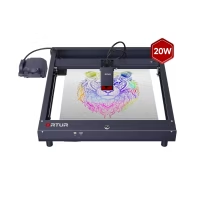
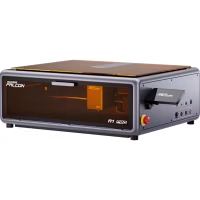
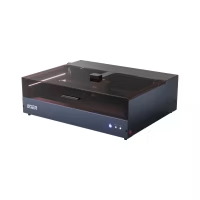
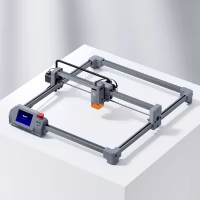
- P1 S pro 36W vs Ray5 miniS 3.5W
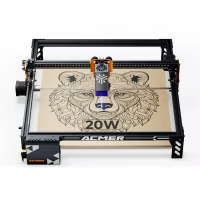
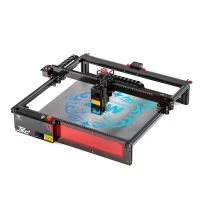
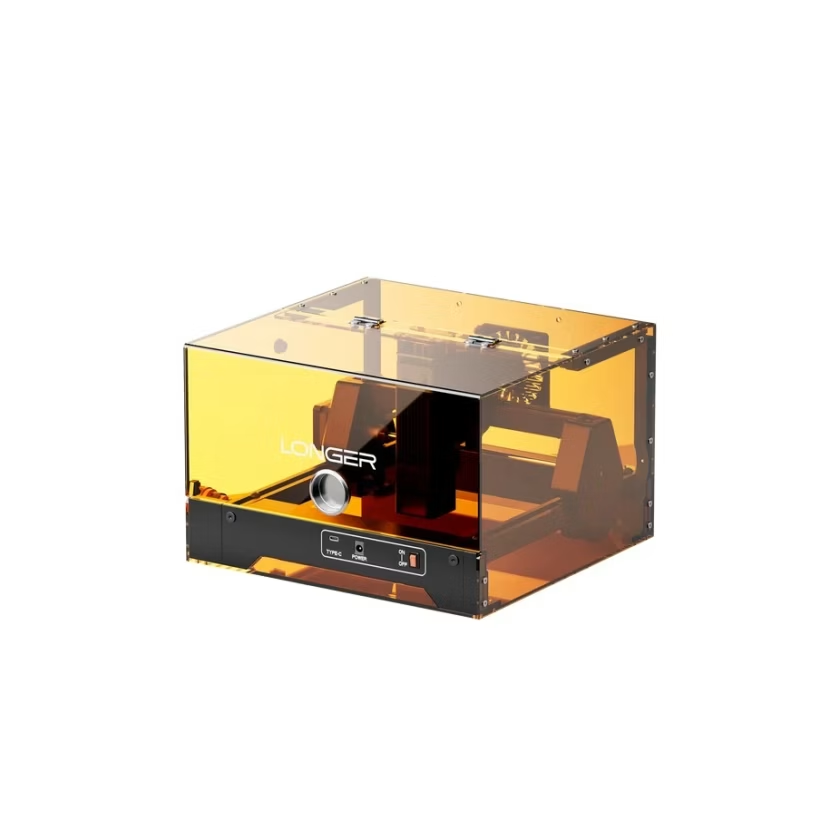
Acmer P1 S pro 36W vs Longer Ray5 miniS 3.5W
What P1 S pro 36W does better (5) and where Ray5 miniS 3.5W wins (1) — every spec side by side.
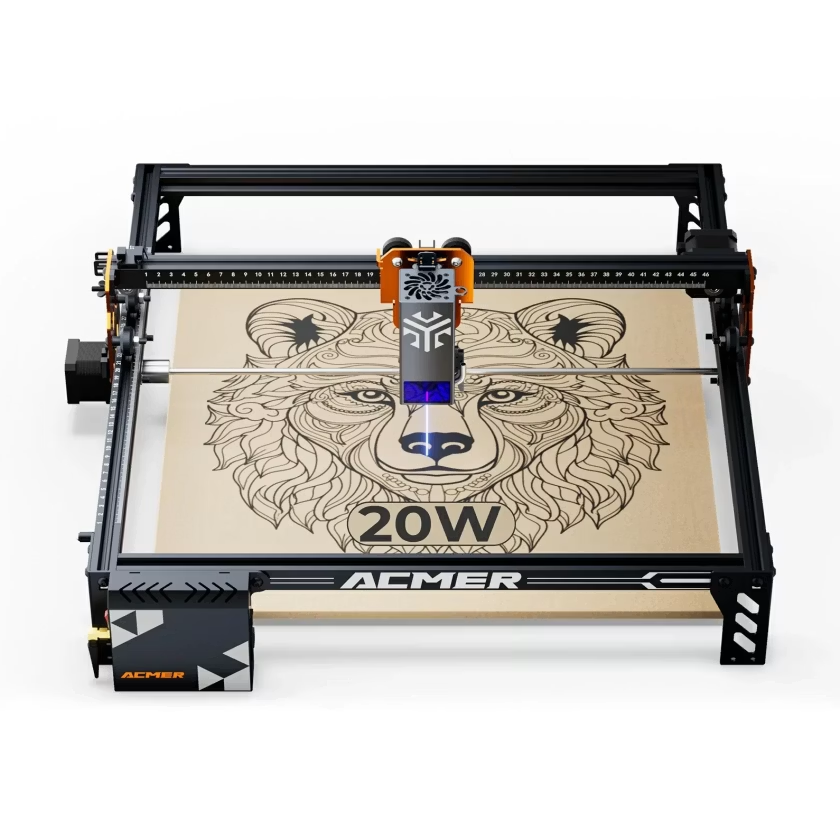
vs
8.6Power & cutting2.8
6.1Work area3.4
3.1Safety7.9
5.7Features & ease of use3.7
Why is P1 S pro 36W better than Ray5 miniS 3.5W?
- Laser output power36 W vs 3.5 W10.3×
- Work area (surface)1,406 cm² vs 182 cm²7.7×
- Air assistYes · Ray5 miniS 3.5W: No
- Work area width (X)380 mm vs 130 mm2.9×
- Work area depth (Y)370 mm vs 140 mm2.6×
Why is Ray5 miniS 3.5W better than P1 S pro 36W?
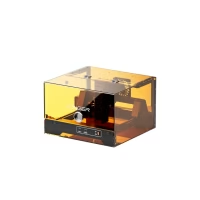
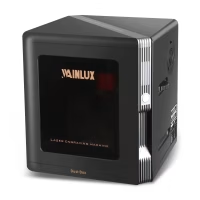
- Enclosed (fully covered)No · P1 S pro 36W: Yes
Specifications
Side by side
| General | ||
| Laser sources | Blue diode (≈455 nm) | Blue diode (≈455 nm) |
| Motion system | Gantry (XY rails) | Gantry (XY rails) |
| Two laser sources | No | No |
| Laser power | ||
| Laser output power | 36 W | 3.5 W |
| Work area | ||
| Work area | 380 × 370 mm | 130 × 140 mm |
| Work area width (X) | 380 mm | 130 mm |
| Work area depth (Y) | 370 mm | 140 mm |
| Work area (surface) | 1,406 cm² | 182 cm² |
| Speed & cutting | ||
| Max engraving / travel speed | 167 mm/s | — |
| Safety | ||
| Enclosed (fully covered) | No | Yes |
| Laser safety class | — | Class 1 (eye-safe, enclosed) |
| Flame / fire detection | No | No |
| Emergency stop button | — | Yes |
| Features | ||
| Air assist | Yes | No |
| Built-in camera | No | No |
| Autofocus / auto height | No | No |
| Rotary attachment support | Yes | — |
| Connectivity & software | ||
| Connections | — | USB, Wi-Fi |
| Wi-Fi | — | Yes |
| USB | — | Yes |
| Phone app control | — | Yes |
| Compatible software | LightBurn | — |
| LightBurn compatible | Yes | — |
| File formats | JPG, PNG, BMP, GIF, SVG | — |